
Making Appointments From The Duet Patient Portal
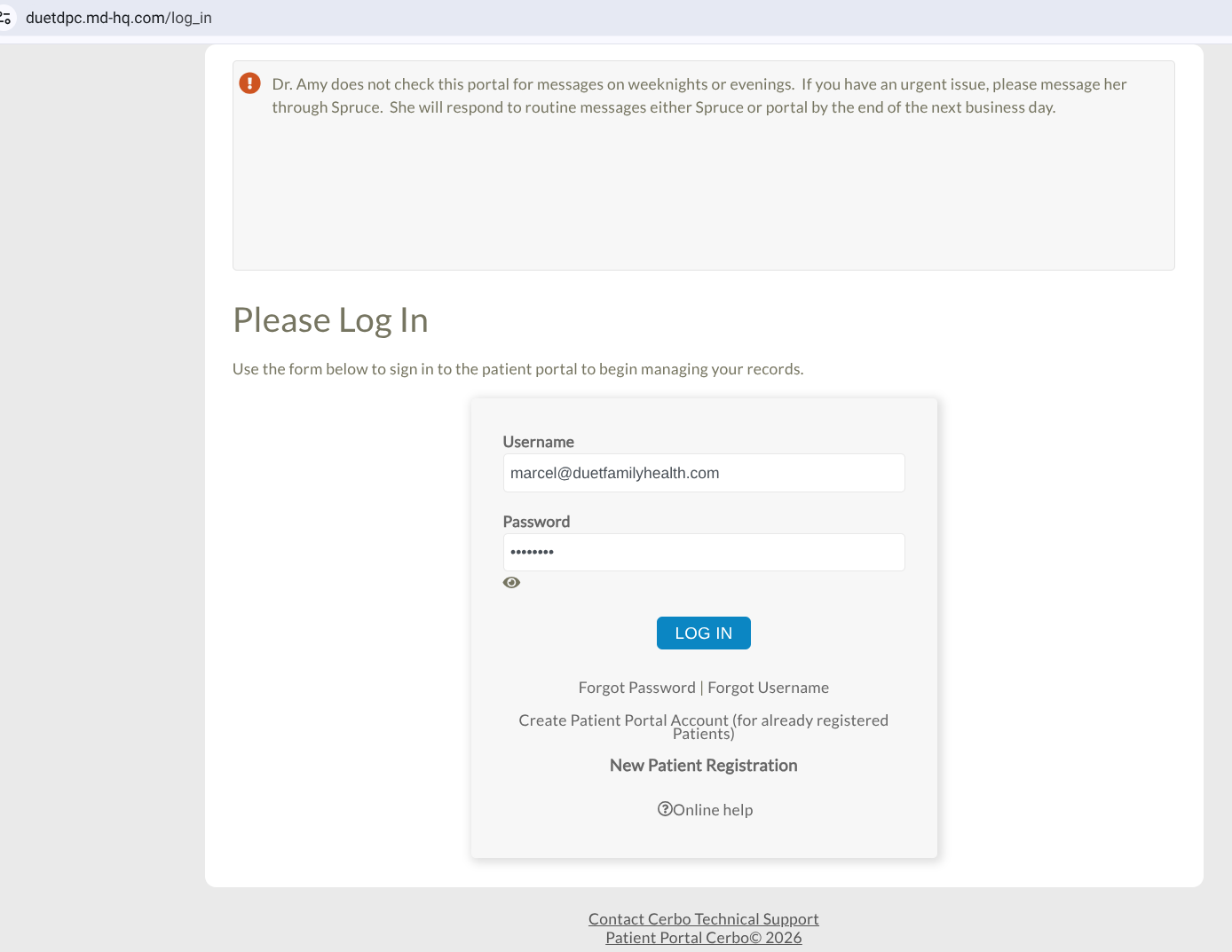
[ 1 ] Go to the portal log-in page, which can be found at: https://www.duetfamilyhealth.com/current-patients--2 or https://duetdpc.md-hq.com/log_in
Enter the log-in credentials you have previously made. If you have not, please view our guide on setting up your credentials here:
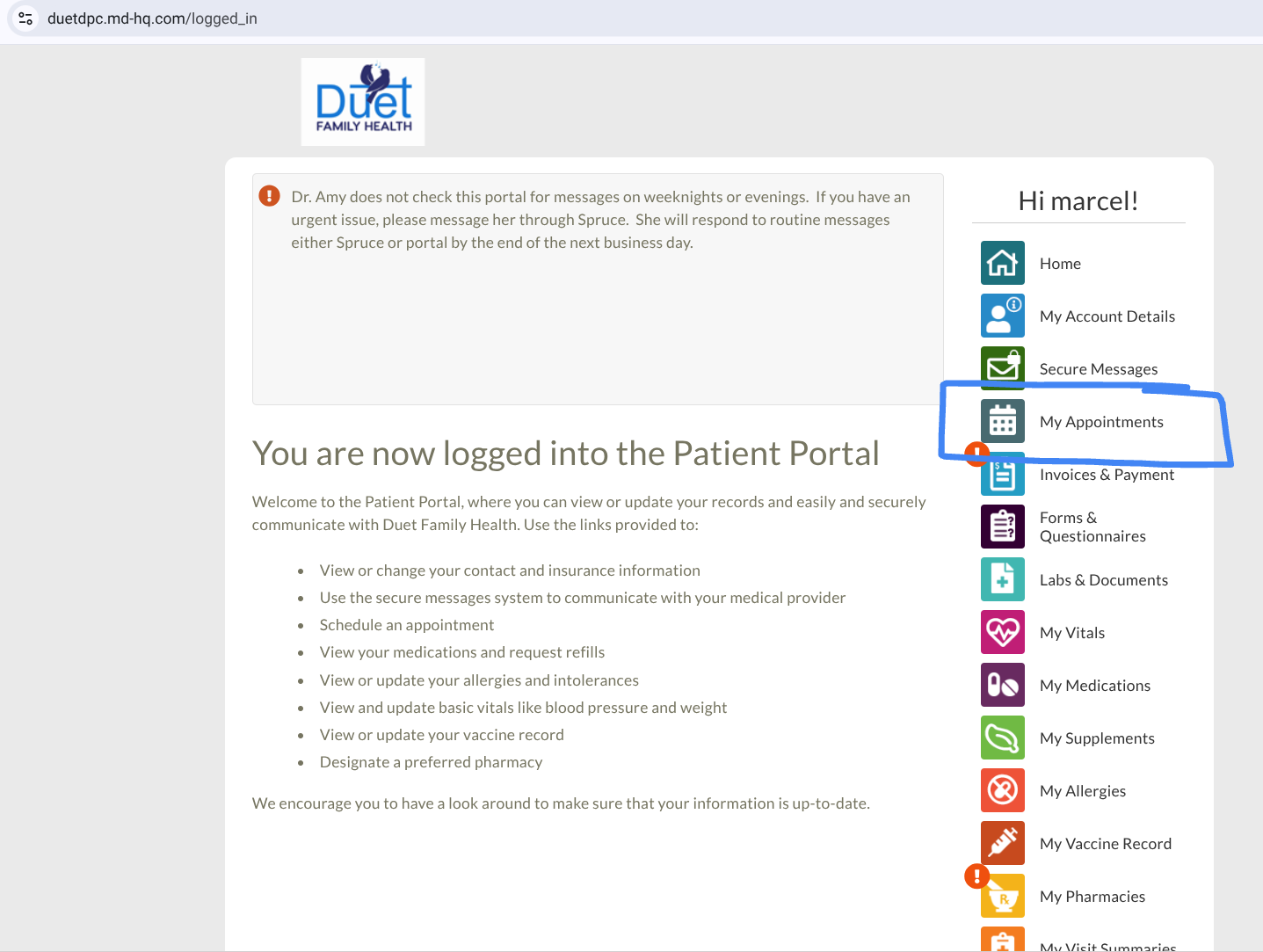
[ 2 ] Once you are logged into the portal, locate the "My Appointments" button on the right hand side of the portal home page. Click it to get to the appointments page.
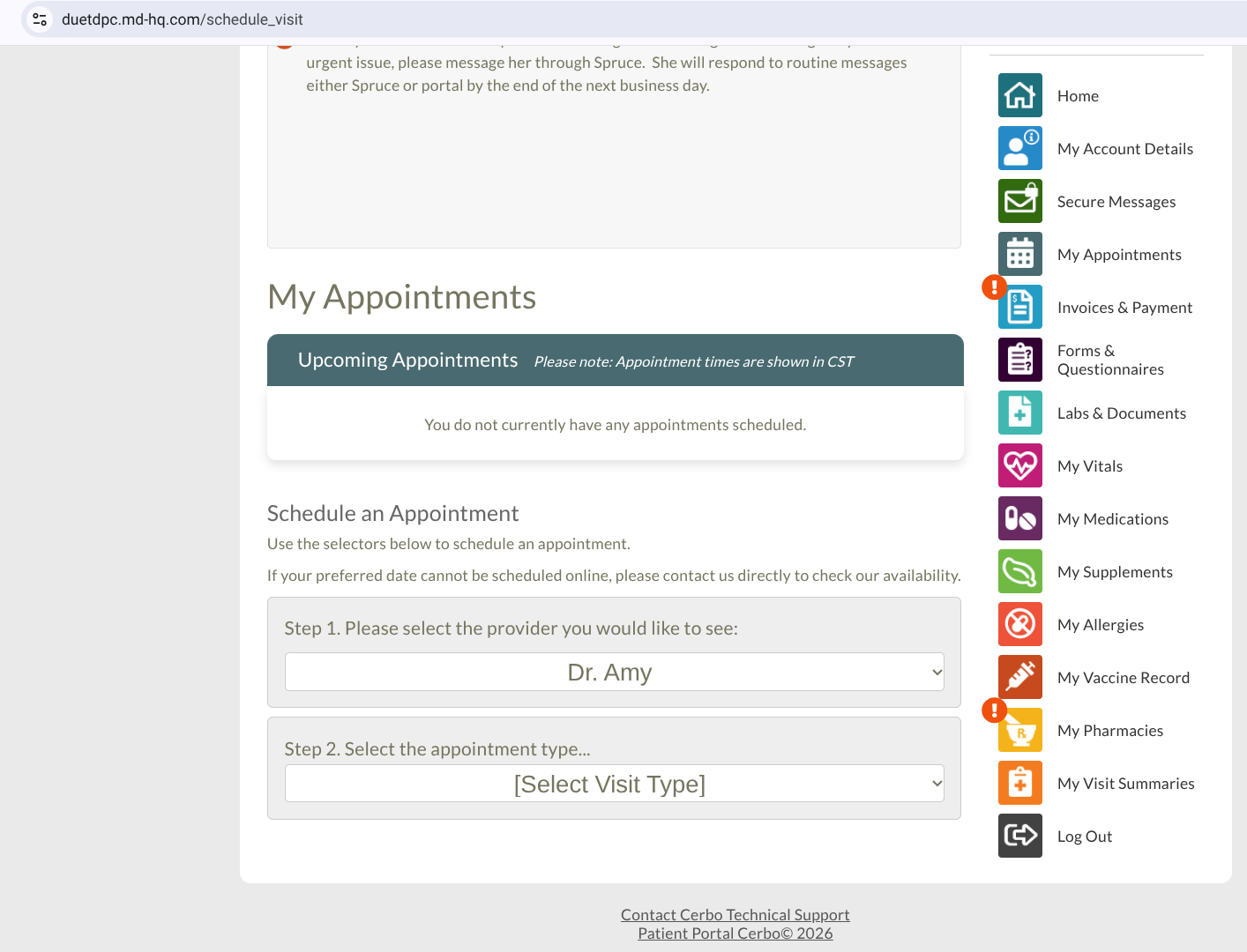
[ 3 ] From the appointments page, you can see any upcoming appointments you have. Below that, you can schedule an appointment. By default "Dr. Amy" will be selected. All you have to do is choose the Visit Type. Visit types include:
- Lab Visit: for conducting or receiving lab results (short in length)
- Medication Pickup: for picking up prescribed medications (short in length)
- Menopause Followup Visit: Followup for Menopause Management. Review of symptoms, medication refills or adjustments, further testing if needed (30 - 60 minutes in length)
- Telemed Visit: Video appointment (30 minutes in length)
- Vaccine: vaccine administration, requires requesting a specific vaccine ahead of time (30 minutes in length)
- Enrollment Visit: Initial medical visit with history and physical exam. Address acute issues, plan for ongoing and preventive care. (90 minutes in length)
- Follow-Up Visit: inperson visit to followup on ongoing concerns, including adjusting medications, reviewing test results, and updating care plan (30-60 minutes in length)
- Problem Visit: in-person visit for sickness, injury, or a new problem. Telemedicine may be appropriate depending on the situation (30 minutes in length)
- Well Woman Exam: Pelvic exam (with pap smear if necessary), breast exam if 40 years old or older, other appropriate preventative care (60-90 minutes in length)
- Full Physical Exam: For an established patient, a full physical for male or female, including pap smear and labs if due (60-90 minutes in length)
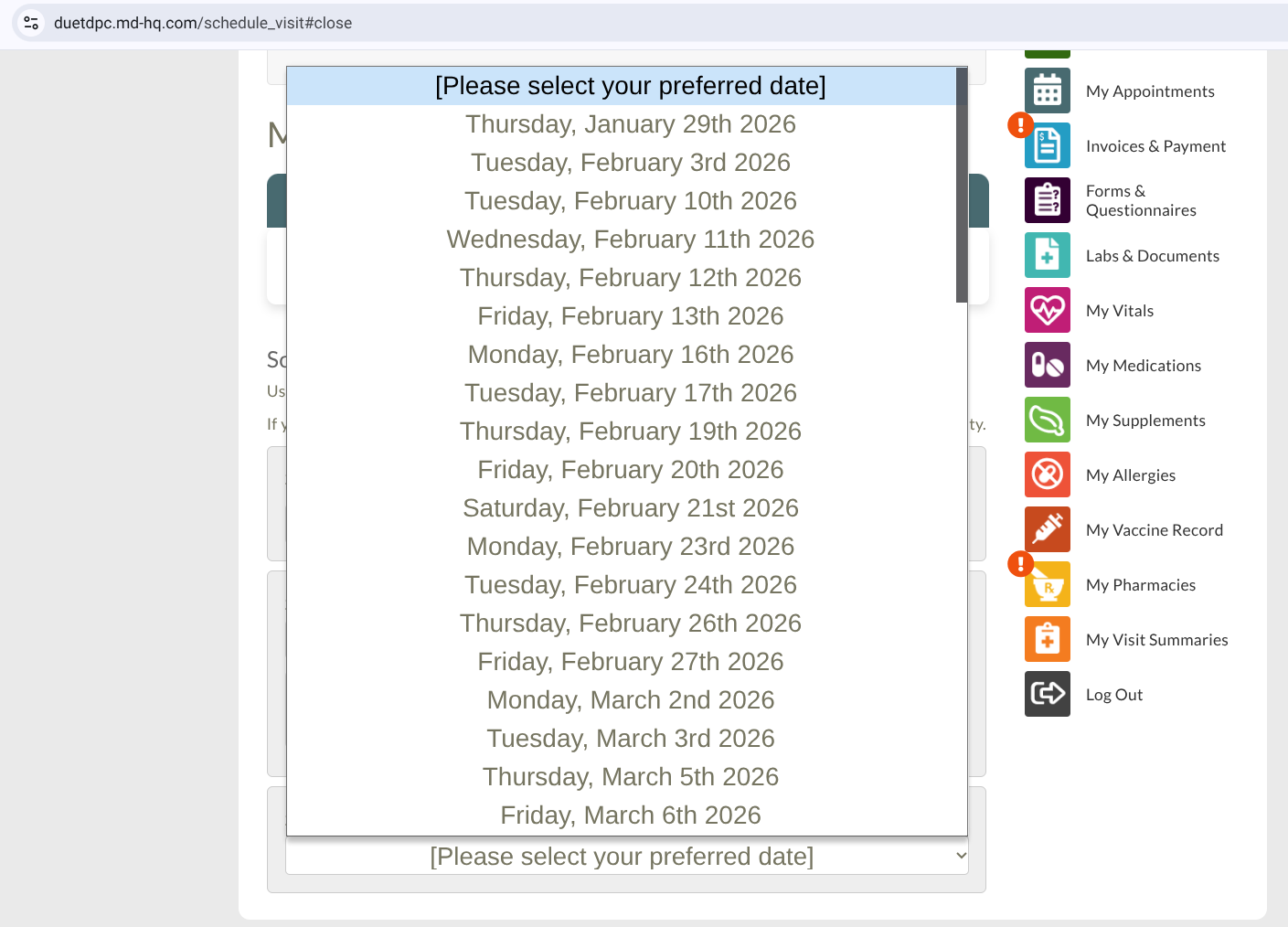
[ 4 ] With your visit type selected, choose a date which you can come in for the visit. The longer out the date is, the more freedom you will have for the appointment times.
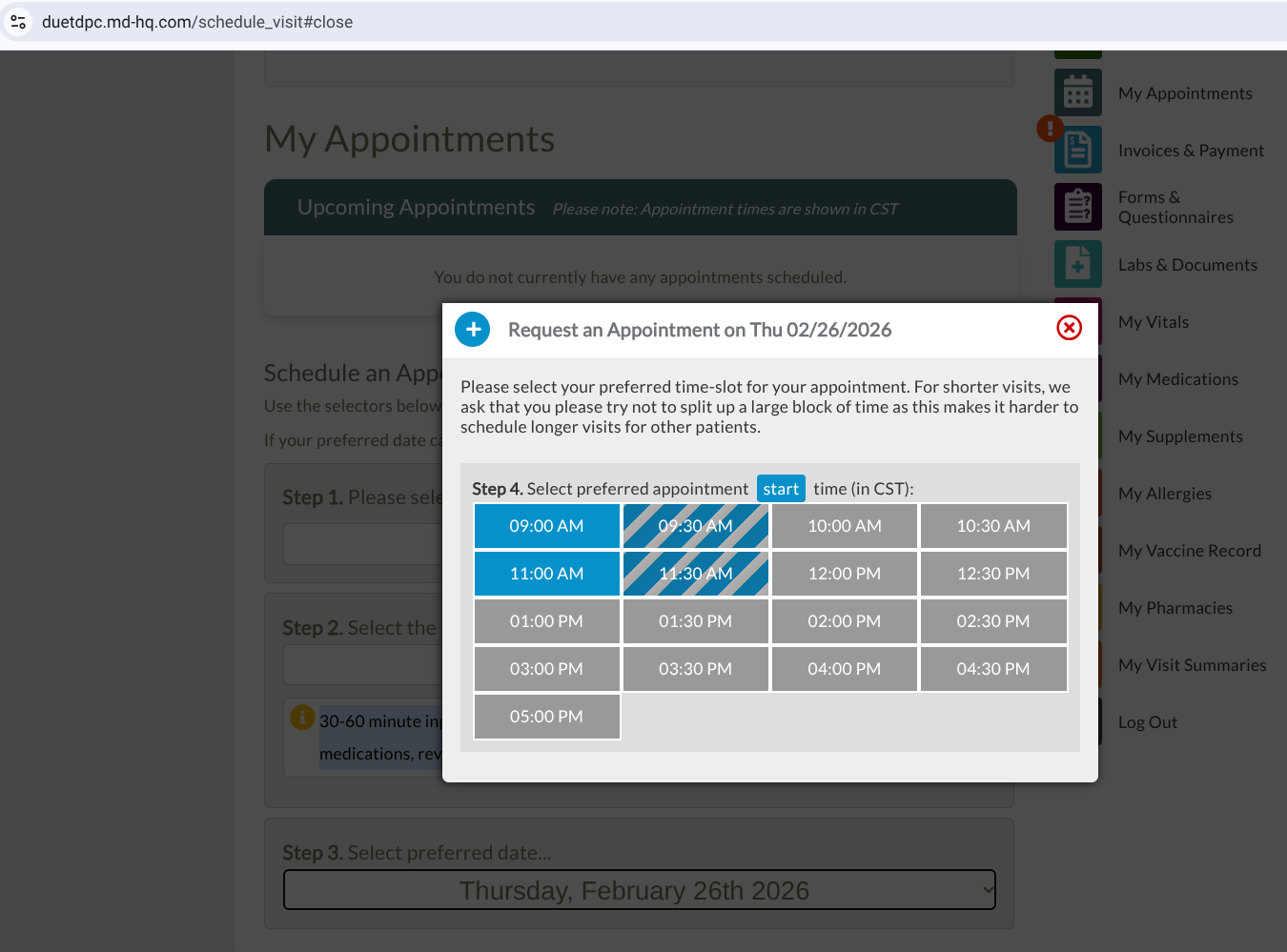
[ 5 ] With your date selected, choose a time from among the pop-up you can visit the office. Full blue rectangles are open time slots your appointment will fit in, blue/gray striped rectangles are open time slots your appointment will not fit in, and full gray rectangles are closed time slots.
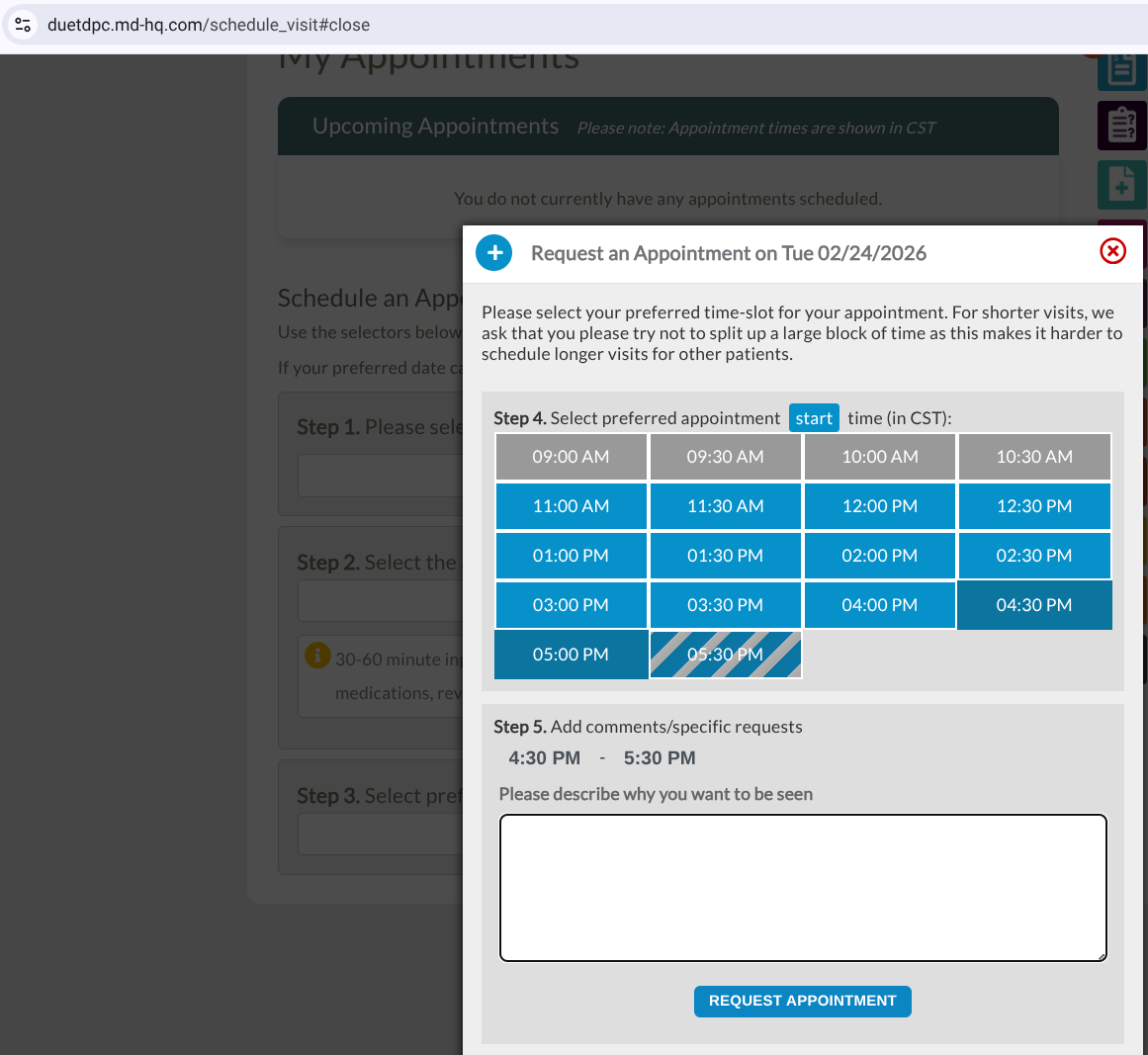
[ 6 ] Lastly, add any information into the type-box that you wish Dr. Amy Schroeder to know about the appointment. When finished, click "Request Appointment" for your appointment request to be sent to our office. The next day we are in the office, your appointment will either be accepted, or you will receive a call or text about a different day/time. Once your appointment is fully scheduled, you will receive an email confirmation from us.